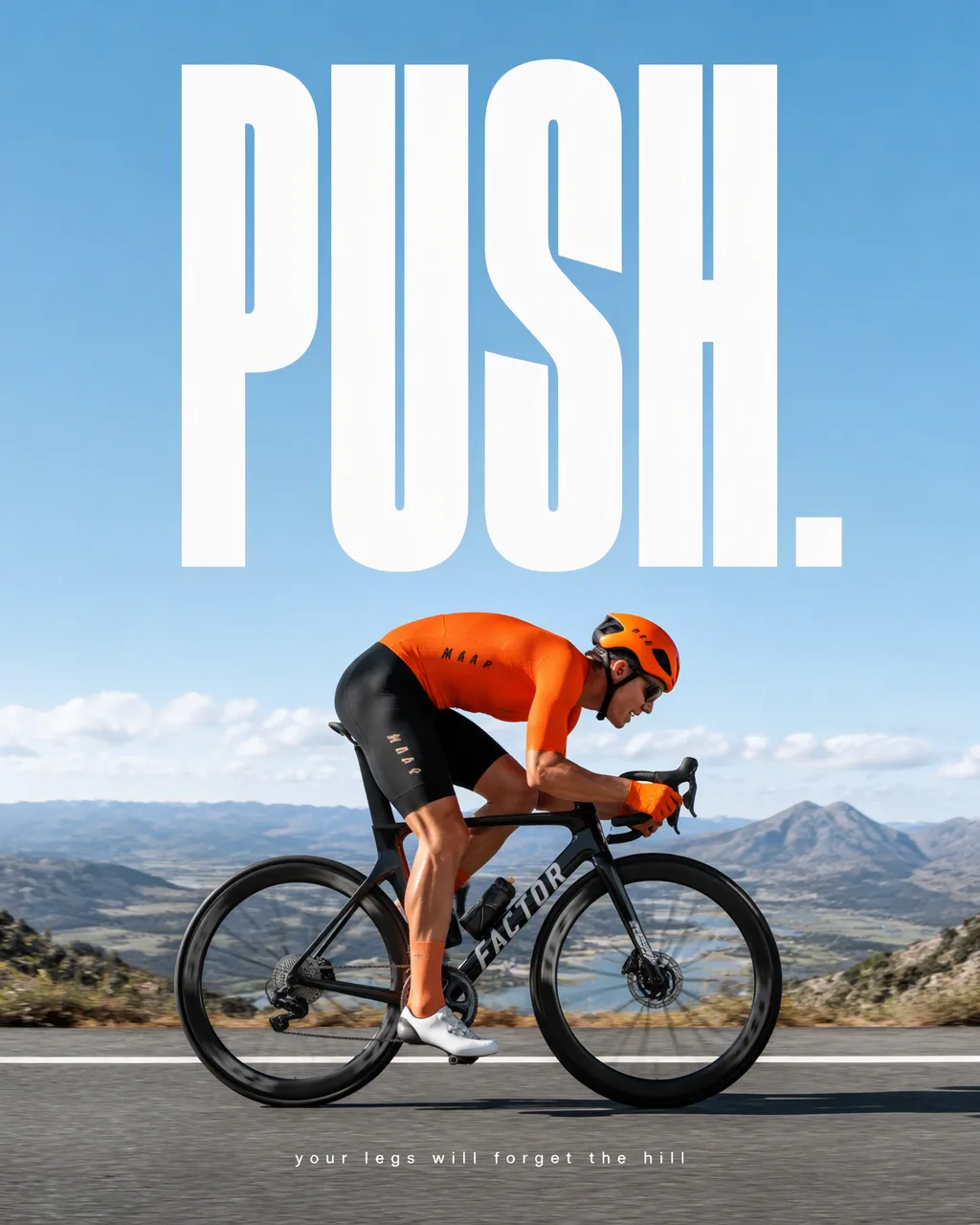
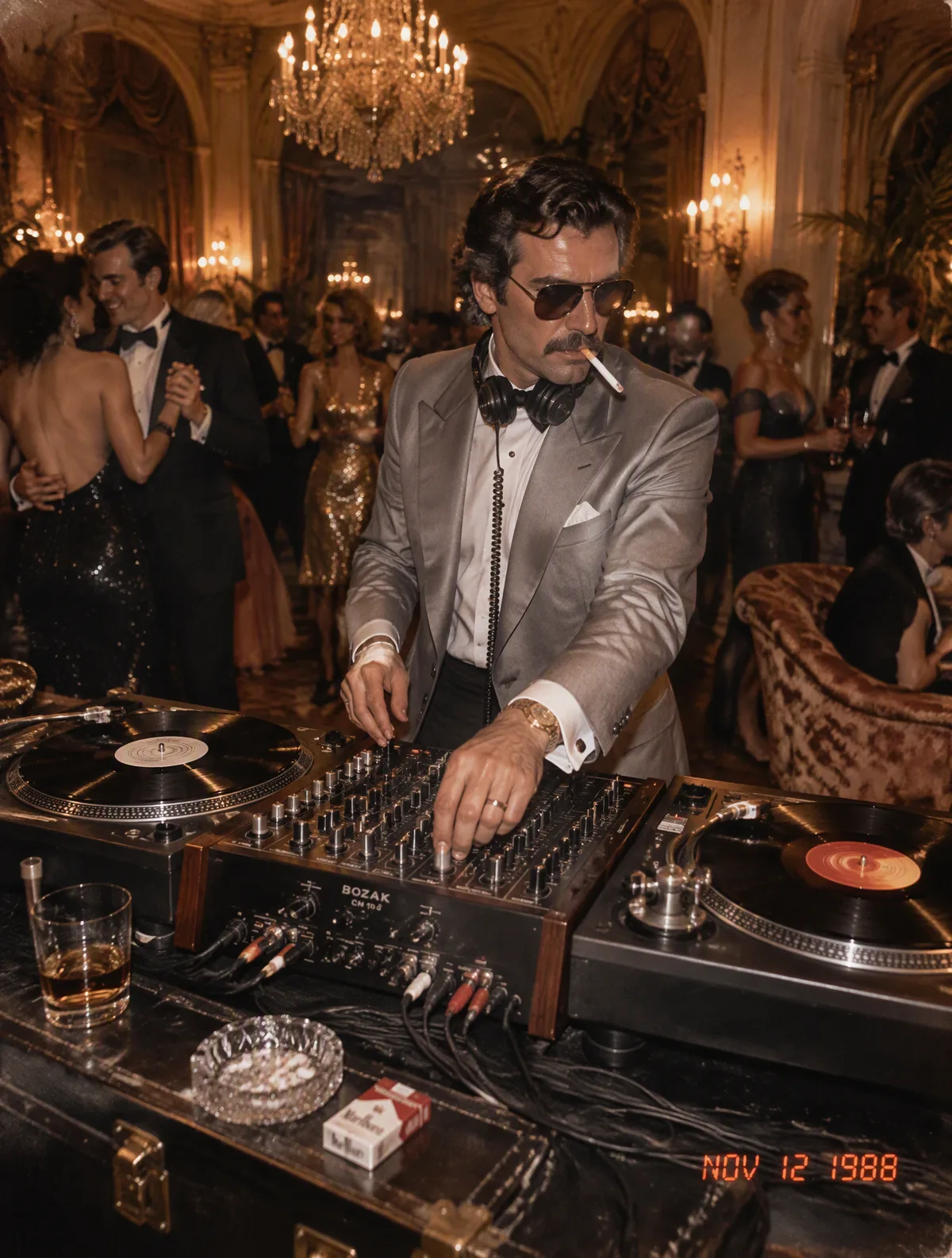
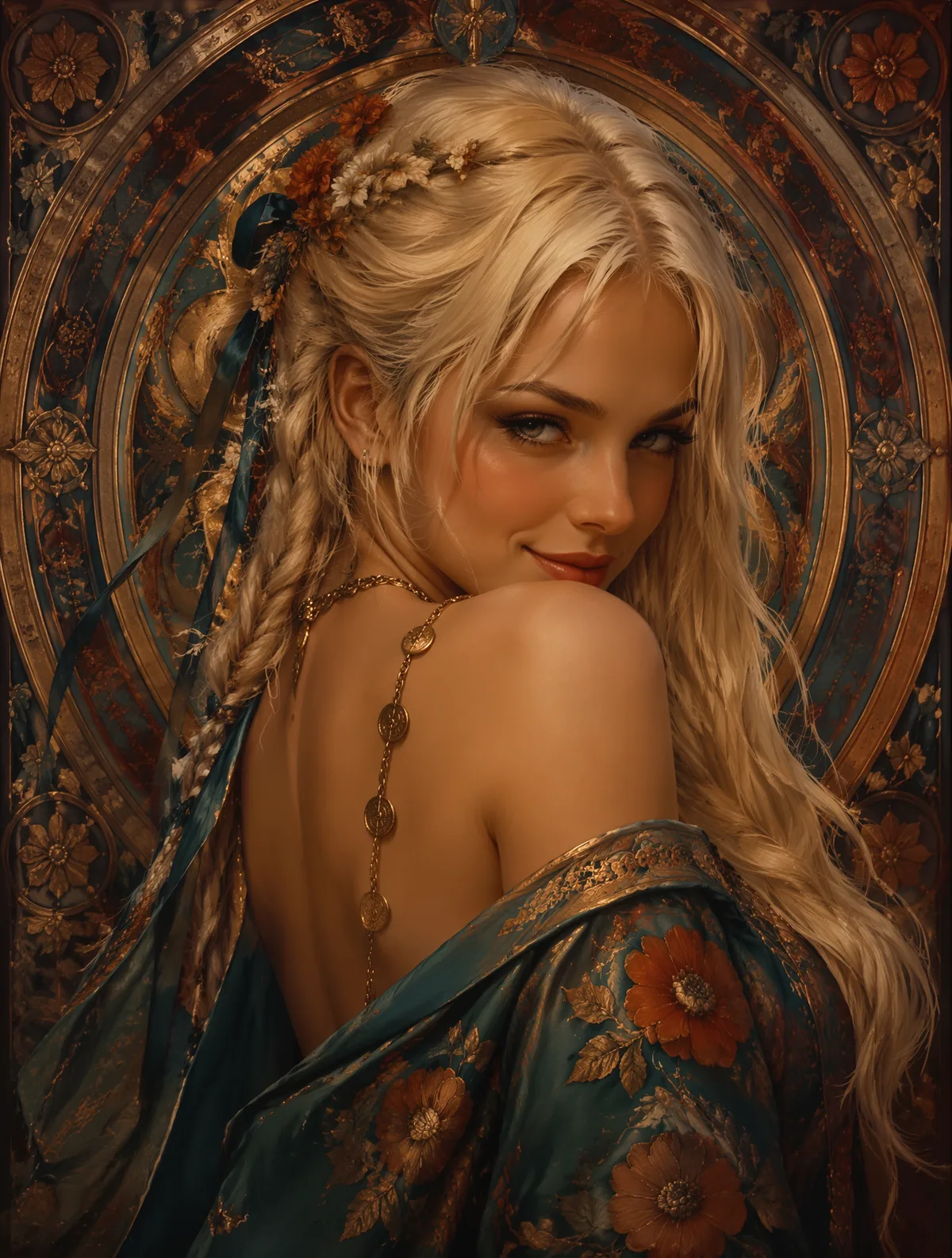
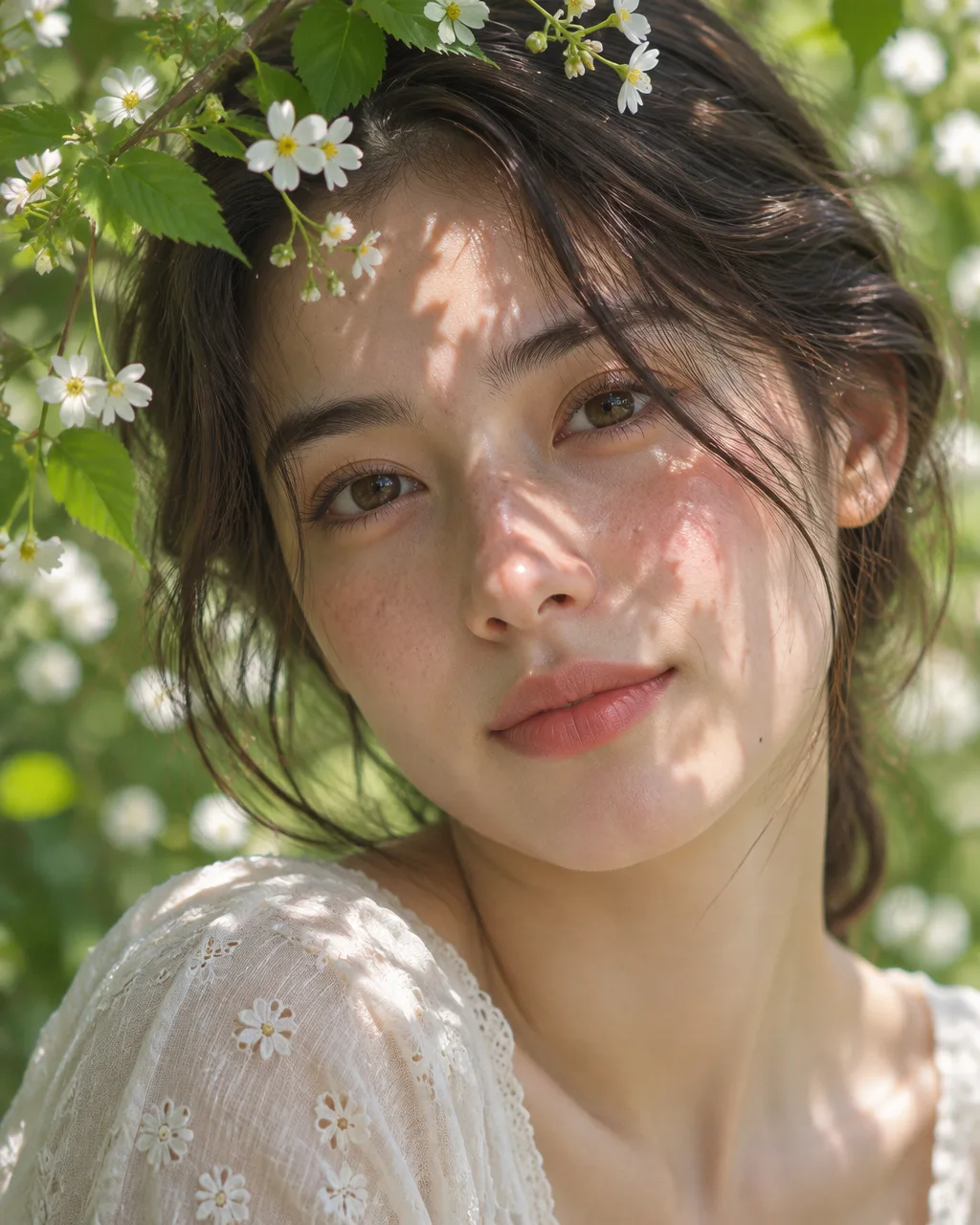
Type a prompt or drop in your photos, then run it on Nano Banana 2, Nano Banana Pro or any other model in the studio. Compare the results side by side and download the one you like in 1K, 2K or 4K.
Model names are trademarks of Google, OpenAI and ByteDance. Nano Banana 2 Pro is an independent studio and is not affiliated with them.
Press start
Your studio, right here
Write what you want, attach photos if something has to match, choose a model and a size. The price shows on the button before you spend anything.
Reference imagesUp to 8
Model
25 credits
Sign up free — your first image is on us, no card needed.
Level 1 · The duel
Nano Banana 2 vs Nano Banana Pro
Same Google family, different jobs. Flip the size to see what each one costs here.
At 1K, Nano Banana 2 costs 50% less per image than Pro.
Nano Banana 2
2
The quick, thrifty one. Great for drafts, variations and edits where you want many tries for the price of a few.
Credits per 1K image40
Max size
4K
Ref photos
8
Ratios
11
Half the credits of Pro at 1K
Handles reference-heavy edits and batch work
A good first pass before you spend on Pro
Nano Banana Pro
PRO
The careful one. Spends more effort on complex scenes, many subjects, lettering and print-size detail.
Credits per 1K image80
Max size
4K
Ref photos
8
Ratios
11
Same price at 1K and 2K — render it at 2K
Holds identity across many reference photos
Best pick here for typography and 4K hero images
VS2·PRO
Running several models at once is Beast mode: up to 4 models on the Pro plan and Crew, up to 8 on Ultimate, Business and credit packs.
Level 2 · Pick a player
Which one should I pick?
Tap what you are making and we will call it — with the price and a runner-up.
Our pick
Nano Banana 2
You want to explore, not perfect. Nano Banana 2 costs half of Pro at 1K, so you can try more angles before committing.
Cost
40 credits per 1K image
Runner-up
Runner-up: Nano Banana 2.1
Still unsure? Leave the studio on Auto and it picks a model from your prompt and photos.
Level 3 · Flip a card
Eight images, eight prompts to borrow
Hover or tap the corner to flip a card and read the prompt behind it, then send it to the studio.
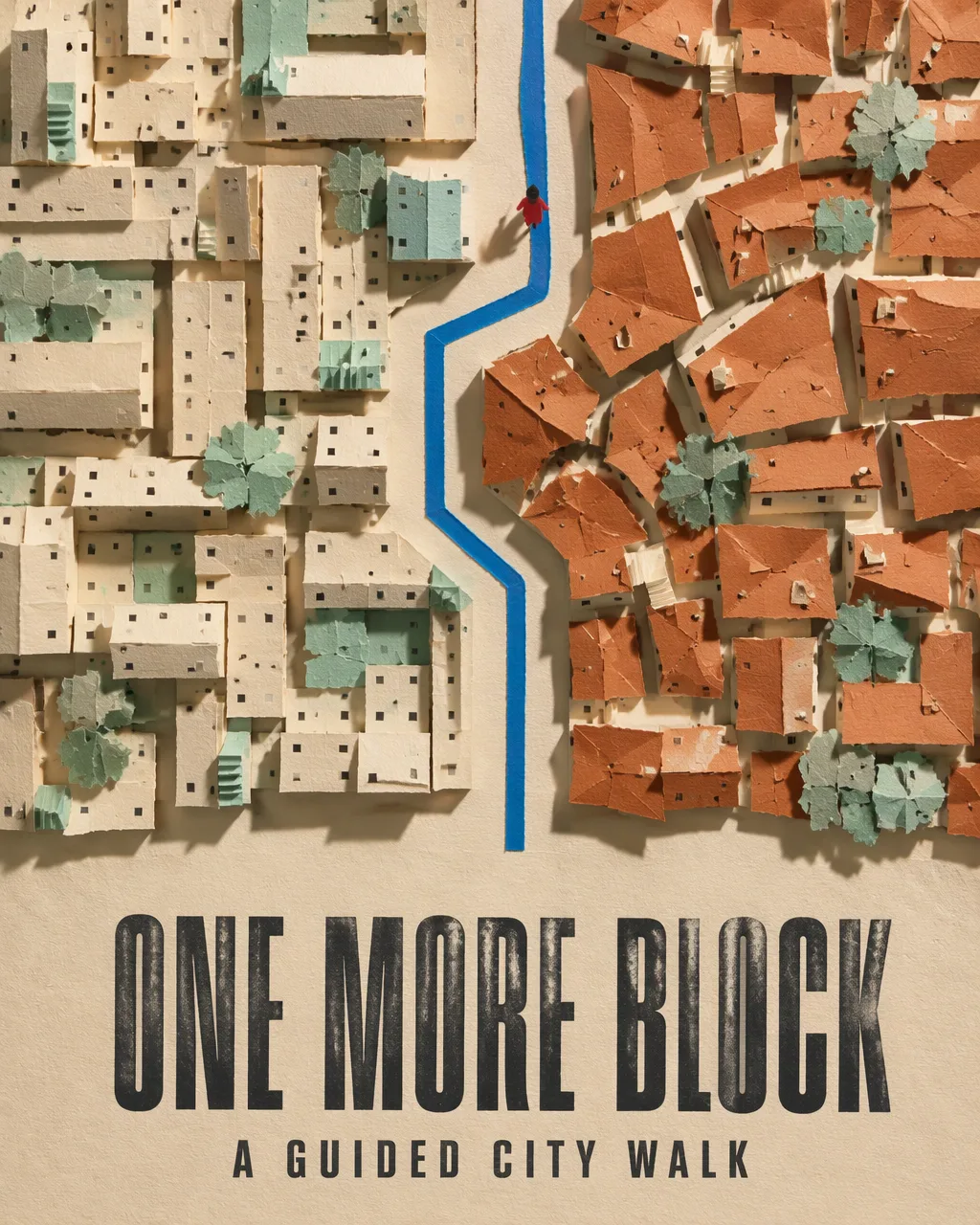
City walk poster
A bold headline that turns a stroll into a campaign.
The prompt
City walk poster
Create one vertical 4:5 English-language poster for ONE MORE BLOCK, a fictional guided city walk. Construct the image as a handmade cut-and-torn paper collage viewed directly overhead. Use dusty mint, brick orange, warm cream, and a thin ribbon of bright cobalt.Build two dense groups of city blocks from overlapping paper rectangles. Give one group long cream façades and the other irregular brick-orange rooftops. Use small folded tabs for stairways, tiny dark squares for windows, and a few torn mint shapes for trees. Leave a continuous street-shaped gap between the groups. Run a narrow cobalt strip along that gap, turning twice as it heads upward. Place one small red-coated walking figure just after the second turn, seen from above. Keep the figure simple and precise.Use low left light to show the physical layers. Let the torn edges cast short shadows across the paper underneath. Keep the buildings dense around the middle and leave a broad cream margin at the bottom. Set the headline in large charcoal condensed type there, with the descriptor directly below. Render only:ONE MORE BLOCK
A GUIDED CITY WALKPresent the completed poster edge to edge. Make the cobalt route easy to follow through the textured collage.
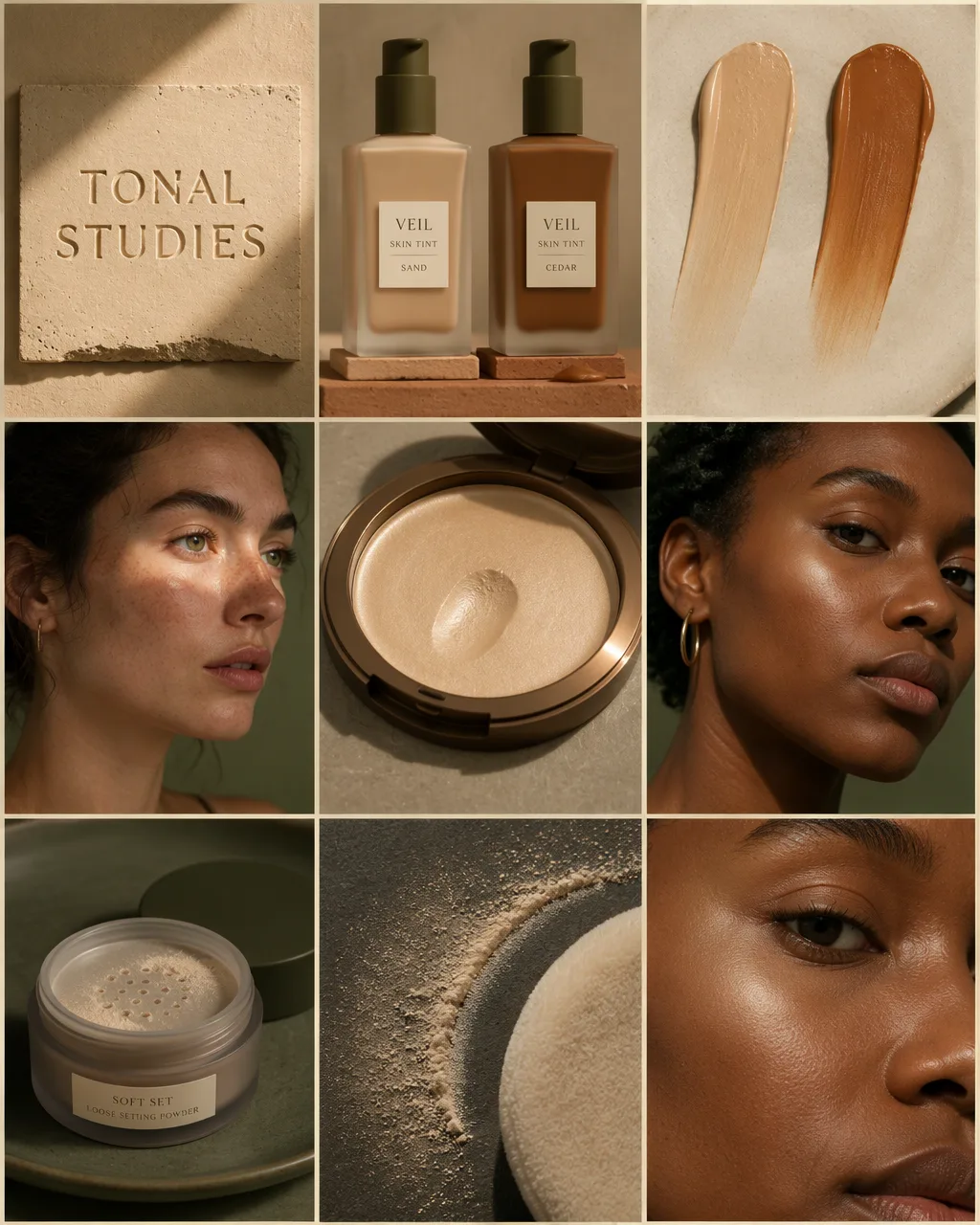
Beauty campaign board
Nine matching tiles for one product launch.
The prompt
Beauty campaign board
Create one vertical 4:5 complexion campaign board for TONAL STUDIES, a fictional makeup collection. Arrange exactly nine equal tiles in a 3×3 grid with narrow warm-sand gutters. Give the board the feeling of an editorial photographed in a quiet sunlit studio. Use sand, toasted terracotta, muted olive, and warm honey. Feature two adult models with visibly different skin tones and preserve natural freckles, pores, and fine facial hair where they catch the light.Product identityVEIL is a lightweight skin tint in a frosted glass bottle with a flat olive pump. Show it in two shades, SAND and CEDAR, with SAND lighter and CEDAR deep and warm. GLINT is a cream highlighter in a shallow round bronze compact, with a soft champagne-gold cream inside. SOFT SET is a loose setting powder in a squat smoky glass jar with a matte olive lid and a visible sifter. Use the same small ivory label and restrained dark-brown type across all products.Top row, left to rightTitle on clay. Photograph a low ivory clay plaque straight on, with “TONAL STUDIES” pressed into its surface. Let a warm diagonal beam reveal the shallow debossing, fine mineral specks, and a slightly uneven lower edge. Keep the background matte sand.Skin tint hero. Stand the SAND and CEDAR bottles side by side on two low terracotta ledges. Shoot at label height. Let light pass through the frosted edges to show the two different colors. Give the pumps clean silhouettes and keep both shade names readable. Show one small drop of the deeper tint on the ledge beside its own bottle.Two tint textures. Photograph two parallel, fingertip-length swipes on cream ceramic from a high oblique angle. Match the left swipe to SAND and the right to CEDAR. Give each a denser beginning and a softly blended end. Let the middle remain fluid and lightly satin. Keep the two swipes separate and leave the ceramic visible between them.Middle row, left to rightPortrait in SAND. Photograph the lighter-skinned model in three-quarter profile against a muted olive wall. Show a sheer tint with freckles visible across the nose. Let a narrow strip of warm window light fall over the upper cheek and leave the rest of the face softly lit. Keep the expression relaxed, with the gaze slightly away from the lens.Highlighter hero. Photograph the open GLINT compact from a low, close angle on warm gray stone. Keep the cream surface tilted toward the camera. Show one smooth fingertip depression in the champagne cream and a soft ribbon of light along its edge. Give the bronze rim a thin bright reflection, separate from the glow of the formula.Portrait in CEDAR. Frame the deeper-skinned model from below eye level in a close three-quarter view. Use the same warm window light. Show the CEDAR tint blending naturally into the neck. Run one soft champagne highlight high on the cheekbone, with clear skin texture visible underneath. Keep the apple of the cheek and temple softly lit so the highlight reads as a small, deliberate detail.Bottom row, left to rightPowder hero. Set the open SOFT SET jar on muted olive ceramic and place the lid behind it. Photograph from above and to one side, so both the label and the sifter can be seen. Show a small, believable amount of fine powder collected around three openings.Powder texture. Use a macro overhead view of a thin dusting of powder on a warm slate surface. Show one soft crescent left by the edge of a cream velour puff. Catch individual grains at the boundary and reveal the dense pile of the puff itself along one corner. Use grazing light and short shadows.Finish on skin. Return to the CEDAR model in a tight crop from the side of the nose to the temple. In the same frame, show the softly matte area beside the nose and the subtle GLINT sheen higher on the cheekbone. Let the light fall continuously across the face. Preserve realistic pores and the fine contour of the cheek.Render only these exact English words in their designated locations:TONAL STUDIESVEIL
SKIN TINT
SAND
CEDARGLINT
CREAM HIGHLIGHTERSOFT SET
LOOSE SETTING POWDERUse SAND and CEDAR on their respective VEIL bottles. Present all nine tiles as one finished image. Keep the product labels crisp, the two models consistent across their appearances, and the transitions from liquid tint to cream and dry powder visually distinct.
Product infographic
A tumbler, its features and clean labels.
The prompt
Product infographic
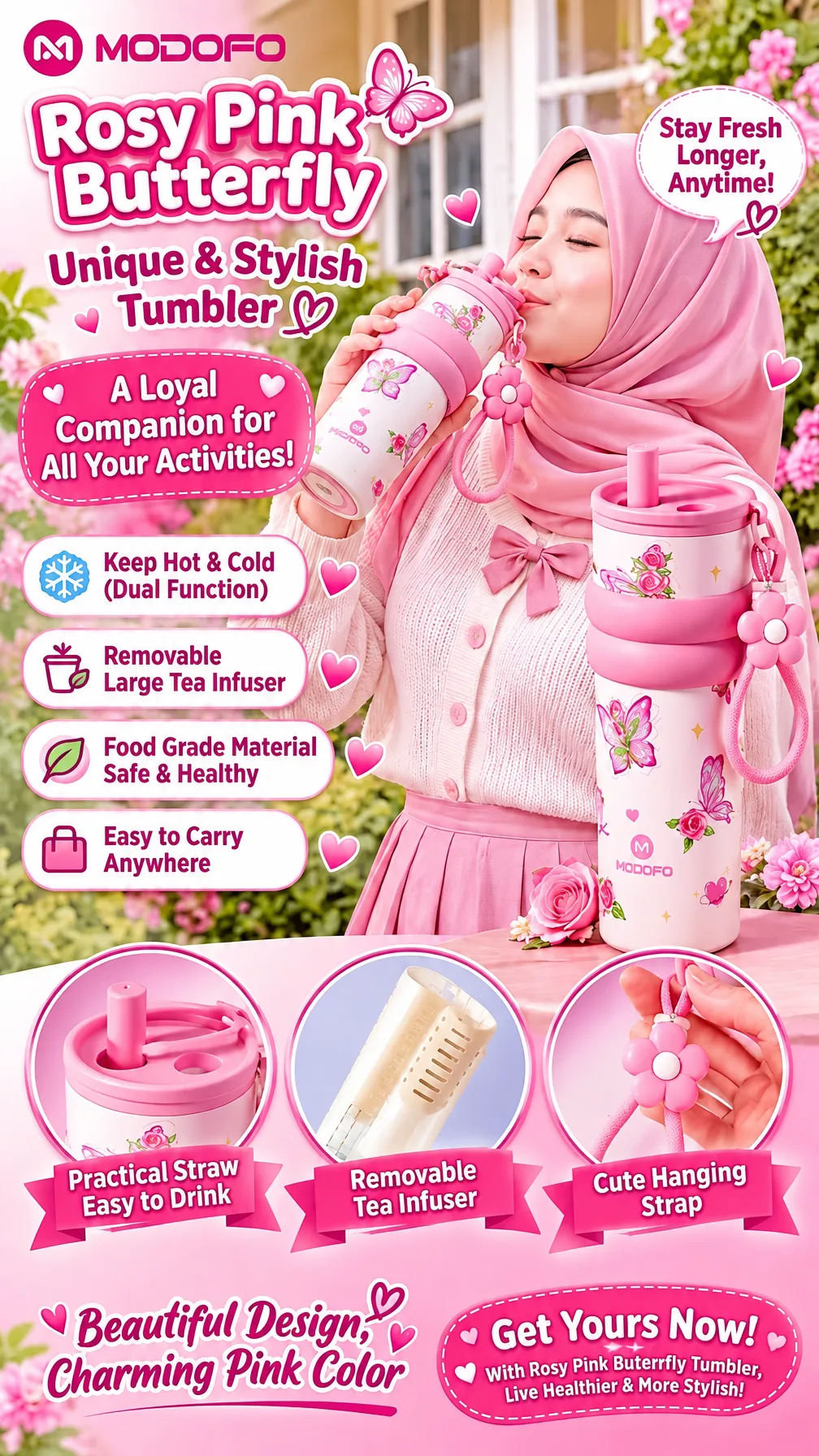
A vertical pink-themed promotional poster for the “MODOFO” Rosy Pink Butterfly tumbler, featuring a smiling woman in a pink hijab and cardigan drinking from the decorated tumbler in a flower-filled outdoor setting. Large rounded headline text reads “Rosy Pink Butterfly” and “Unique & Stylish Tumbler,” with a speech bubble saying “Stay Fresh Longer, Anytime!” A large pink tumbler with floral butterfly artwork, straw lid, flower-shaped hanging strap, and matching accessories stands prominently on the right. Feature panels read “A Loyal Companion for All Your Activities!”, “Keep Hot & Cold (Dual Function),” “Removable Large Tea Infuser,” “Food Grade Material Safe & Healthy,” and “Easy to Carry Anywhere.” Three circular detail insets at the bottom are labeled “Practical Straw Easy to Drink,” “Removable Tea Infuser,” and “Cute Hanging Strap,” followed by “Beautiful Design, Charming Pink Color” and “Get Yours Now! With Rosy Pink Butterfly Tumbler, Live Healthier & More Stylish!” The composition uses pink gradients, hearts, butterflies, roses, rounded white-bordered text boxes, and ribbon banners.
* **Style:** Bright commercial product advertising poster, cheerful lifestyle collage
* **Key elements:** Pink butterfly tumbler, woman in pink hijab, floral garden, feature callouts, accessory detail insets
* **Lighting:** Soft bright daylight with pastel pink highlights
* **Camera:** Mixed close-up product and lifestyle portrait framing, front-facing poster composition
Illustrated storybook
Two cities compared over one dinner table.
The prompt
Illustrated storybook
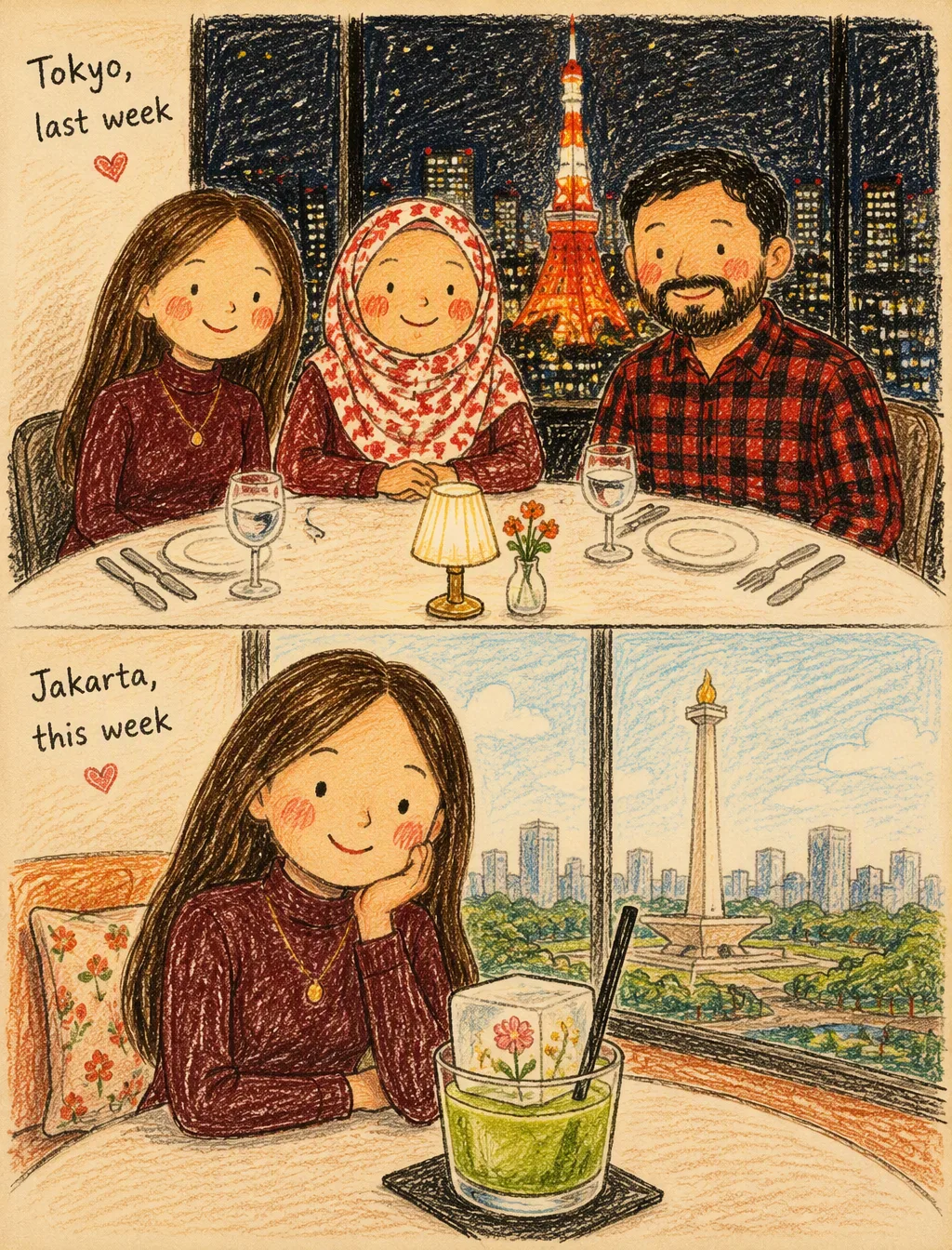
A charming naive children’s book illustration in a vertical split-screen composition, showing two different restaurant experiences.TOP HALF — Tokyo, last week: Three cute family members sitting together at an elegant restaurant table at night, smiling warmly toward the viewer. A young woman with long straight brown hair wearing a burgundy top sits beside an older hijabi woman wearing a red-and-white patterned hijab, with a bearded man in a red-and-black checkered shirt beside them. White tablecloth, simple silver cutlery, elegant glasses and a tiny table lamp. Through the large restaurant window behind them, Tokyo’s glowing city lights and Tokyo Tower shine brightly in warm orange-red.BOTTOM HALF — Jakarta, this week: The same young woman sitting alone at an elegant restaurant or lounge during daytime, smiling sweetly while resting her chin on one hand. In front of her is a beautiful artistic green drink served with a large transparent rectangular ice cube containing tiny flowers and a black straw. Through the large window behind her, Jakarta’s skyline and Monas are visible in the distance under a bright hazy sky.Hand-drawn naive children’s book illustration, black crayon and colored pencil, rough scribbly outlines, imperfect uneven strokes, visible paper grain and handmade texture. Simple childlike faces with tiny black dot eyes, tiny curved smiles and rosy cheeks. Flat warm orange, coral, cream, burgundy, green and black colors, loosely colored like a child’s drawing. Minimalist cream paper background, whimsical, innocent, cheerful, cozy and heartwarming mood. 2D traditional illustration, intentionally imperfect proportions, vintage children’s storybook aesthetic, authentic handmade crayon drawing, NOT polished digital art, NOT realistic, NOT 3D.
Poster series
Four athletics panels in one consistent style.
The prompt
Poster series
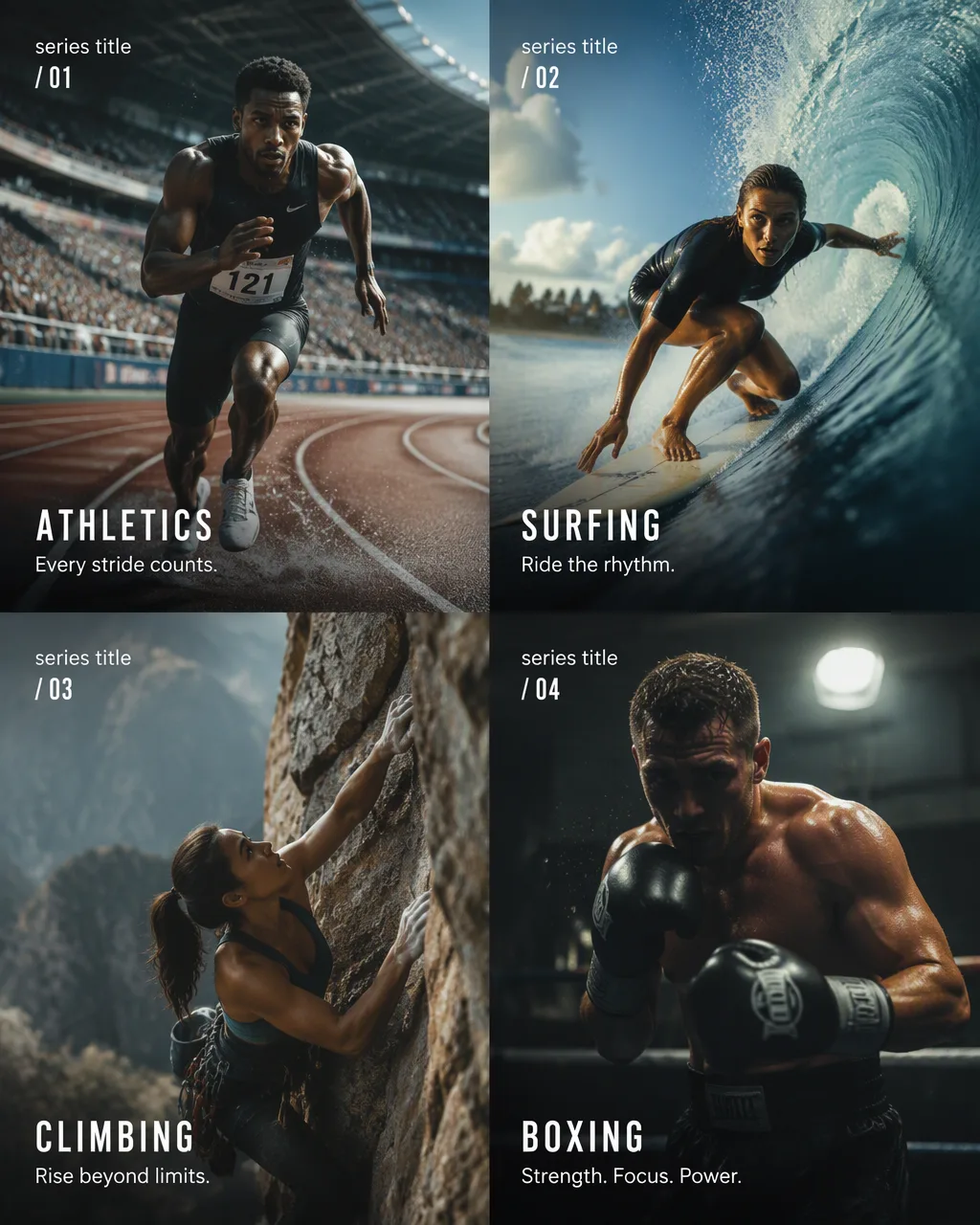
Create a 4-panel vertical poster series titled "[SERIES TITLE]" featuring [SPORT CATEGORY] athletes in dynamic action moments. Each panel includes sport name, tagline, and panel number in clean minimal [FONT STYLE] typography. Panel 01 "[SPORT 1] · [TAGLINE 1] · [SERIES TITLE] / 01": [ATHLETE DESCRIPTION] in [ACTION], [SETTING], [CAMERA ANGLE]. Panel 02 "[SPORT 2] · [TAGLINE 2] · [SERIES TITLE] / 02": [ATHLETE DESCRIPTION] in [ACTION], [SETTING], [CAMERA ANGLE]. Panel 03 "[SPORT 3] · [TAGLINE 3] · [SERIES TITLE] / 03": [ATHLETE DESCRIPTION] in [ACTION], [SETTING], [CAMERA ANGLE]. Panel 04 "[SPORT 4] · [TAGLINE 4] · [SERIES TITLE] / 04": [ATHLETE DESCRIPTION] in [ACTION], [SETTING], [CAMERA ANGLE]. Consistent [AESTHETIC — documentary / cinematic / editorial] photography style across all panels. 4:5 vertical.
Lifestyle photo
Soft daylight, a toddler and a stack of blocks.
The prompt
Lifestyle photo
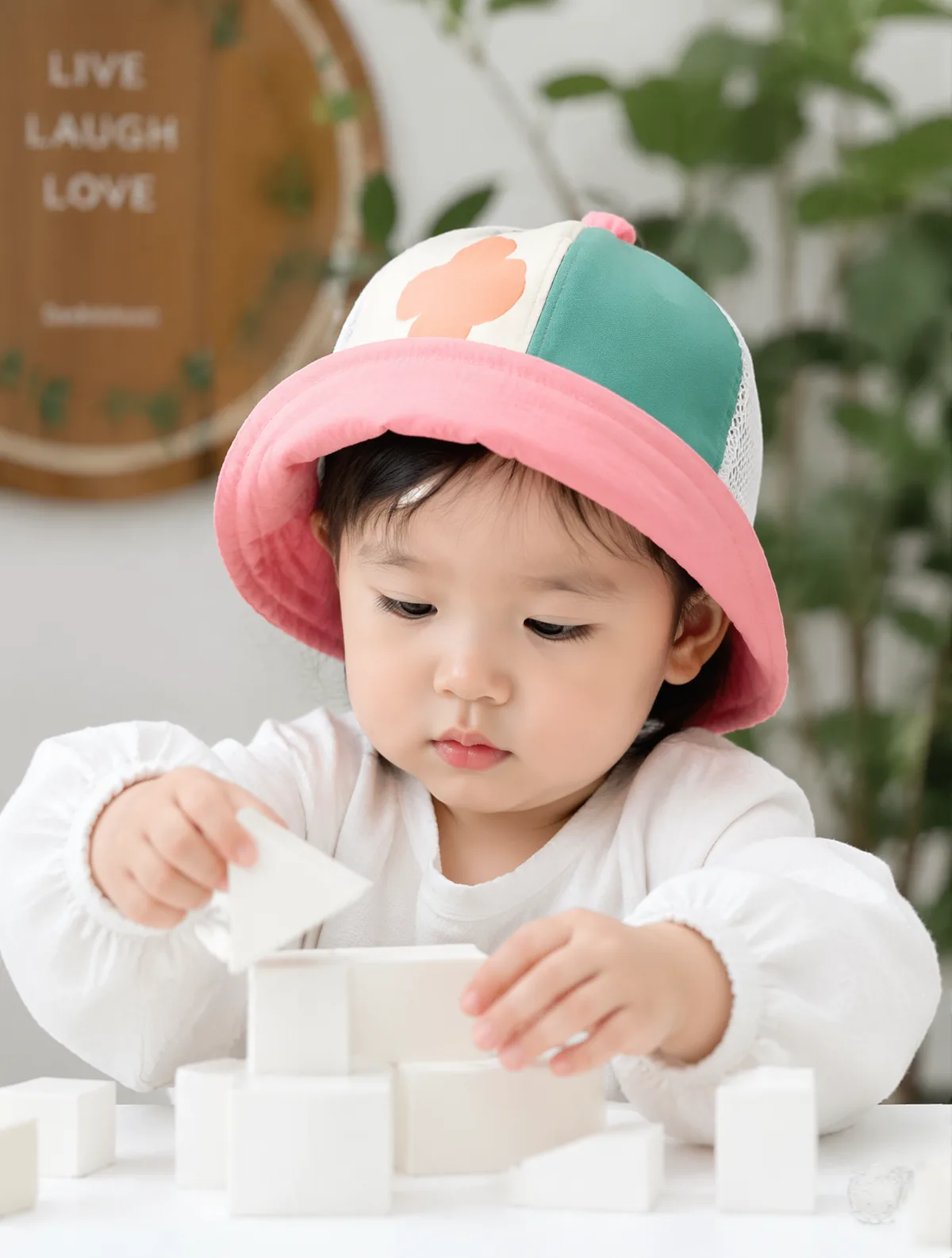
A young toddler with soft, fair skin is captured in a candid, focused moment while interacting with white geometric toy blocks on a table. The child wears a bright, multi-colored bucket hat—featuring pink, green, and white mesh panels—which casts gentle, soft-focus shadows across their face. The lighting is bright and diffuse, likely from an indoor ambient source, minimizing harsh contrast and emphasizing the smooth texture of the child's skin and the matte finish of the white long-sleeved garment. The background is slightly out of focus, featuring a decorative wooden plaque and lush green foliage, creating a shallow depth of field that keeps the subject as the primary focal point of the composition.
* **Style:** Candid portrait photography
* **Key elements:** Toddler, multi-colored bucket hat, toy blocks, wooden plaque, foliage
* **Lighting:** Soft, diffused indoor ambient lighting, high-key, neutral color temperature
* **Camera:** Medium close-up, 50mm lens, eye-level angle
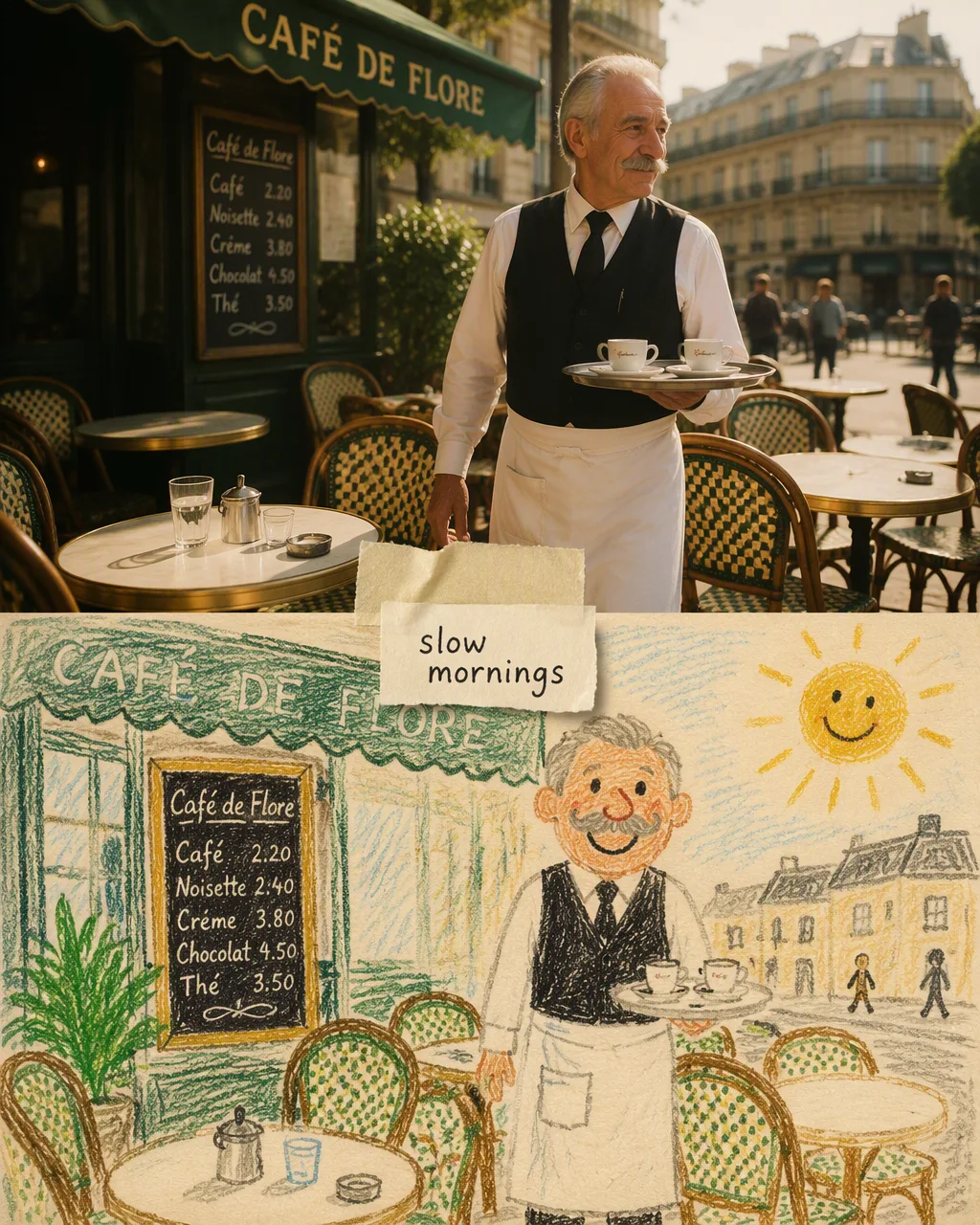
Photo meets sketch
A Paris café split between camera and pencil.
The prompt
Photo meets sketch
A split-layout artwork divided horizontally into two equal halves. Top half: a warm 35mm film photograph of an elderly Parisian café waiter with a white apron and neat grey moustache, carrying a silver tray of tiny espresso cups across a sunny terrace, rattan chairs, round marble tables, green awning, soft morning light, subtle film grain. Bottom half: the exact same scene redrawn as a naive child's wax-crayon drawing on cream textured paper — wobbly outlines, bright waxy strokes, the waiter drawn with a huge smile, the sun in the corner with rays. A piece of torn masking tape holds a small paper note with the handwritten words "slow mornings" in black ink. Soft nostalgic palette of cream, sage green and warm brown, visible paper grain, charming handmade scrapbook feel. 4:5 vertical, high detail.
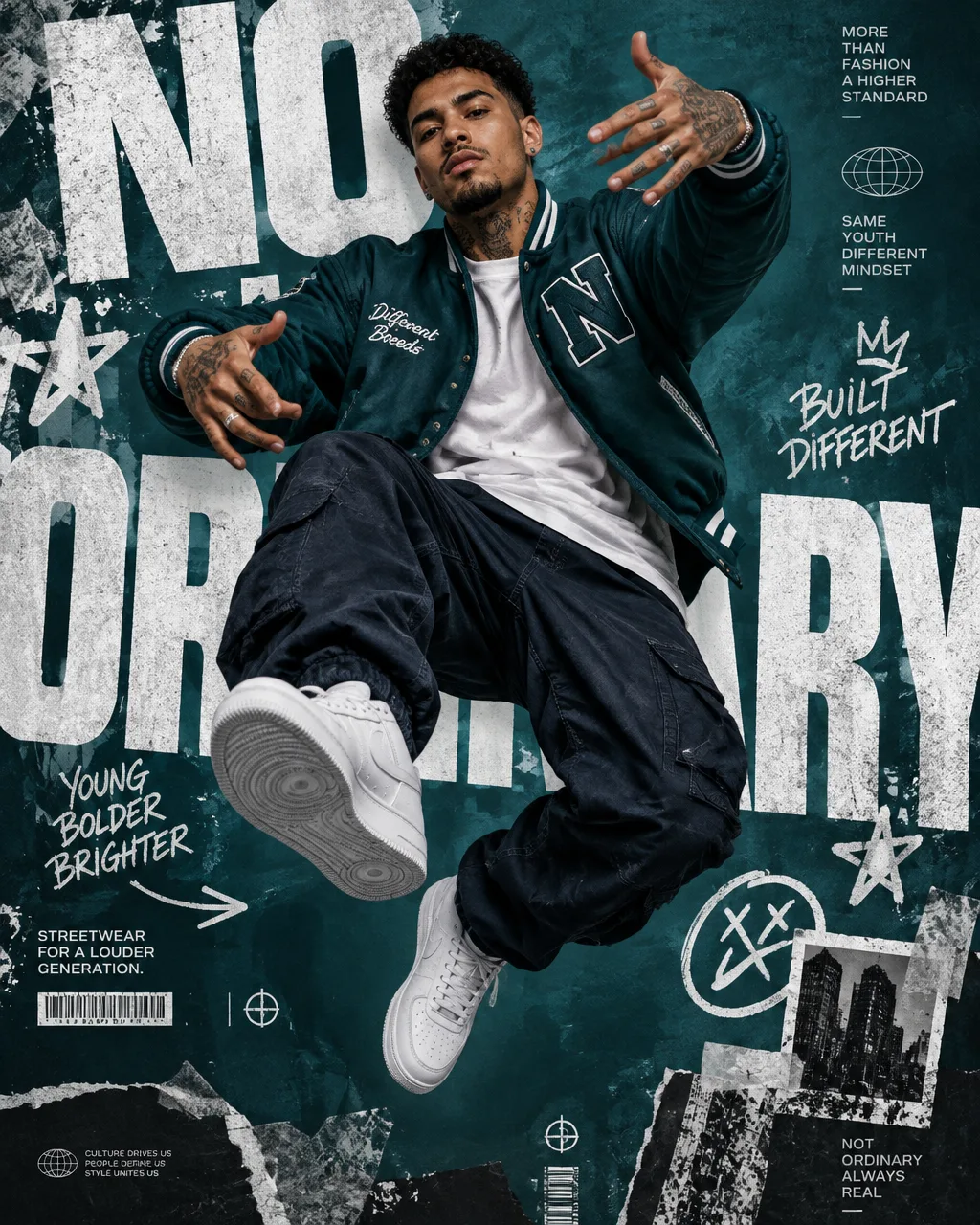
Streetwear campaign
Big type, a confident pose and loud colour.
The prompt
Streetwear campaign
A premium 4:5 urban streetwear editorial advertising poster. Main Subject:A confident young male light brown skin model tanned full of tattoos fashion model in center of the composition.Pose flexible and agile jump:.Direct eye contact.Strong attitude.Fashion campaign presence.Outfit:Oversized bright-dark teal varsity jacket.White heavyweight t-shirt.navy cargo pants.Clean white sneakers.Design Style:Modern streetwear branding mixed with luxury editorial graphic design.Background:Vibrant saturated radk teal studio backdrop.Graphic Layer:Huge oversized typography reading:"NO ORDINARY"The typography occupies most of the background, heavily cropped by the frame, partially hidden behind the model.Additional Graphic Elements:White graffiti strokes.Dynamic marker lines.Sticker-style stars.Abstract geometric symbols.Small barcode elements.Subtle paper-cut collage textures.Composition:Strong central subject.Poster-first design.Instagram-viral aesthetic.Modern youth-culture branding.Lighting:High-contrast studio lighting.Crisp shadows.Premium fashion photography. paper effects. quality.Mood:Bold.Confident.Youthful.Attention-grabbing.Color Palette:Intense Navy.charchol.Black.Aspect Ratio:4:5vertical.Fashion campaign poster.Editorial magazine aesthetic.Ultra detailed.8K masterpiece.
Level 4 · Shuffle the deck
Throw a card, find a style
Nine images from our gallery, stacked like a deck. Drag the top card away — or use the arrow keys — and hit the wand on any card to load its prompt into the studio.
Models, credits, sizes, licensing and privacy on Nano Banana 2 Pro.
What is the difference between Nano Banana 2 and Nano Banana Pro?
Both are Google image models. Nano Banana 2 is the quicker, lower-cost one — 40 credits at 1K, 55 at 2K and 80 at 4K here — and suits drafts, batches and everyday edits. Nano Banana Pro costs 80 credits at 1K or 2K and 110 at 4K, and spends more effort on complex scenes, many reference photos and lettering.
Nano Banana 2 vs Pro: which one is better?
Neither wins every round. Use Nano Banana 2 when you want many tries for the price, and Nano Banana Pro when the image needs text, many subjects or print-size detail. The "Which one should I pick?" helper above gives a pick per task, and Beast mode (Pro plan and up) runs both on one prompt so you can compare.
Can I try Nano Banana 2 for free?
Every new account gets one free image: 25 credits, enough for one 1K image on the default model, Nano Banana 2.1. No card is required. A 1K Nano Banana 2 image costs 40 credits, so after the free image you can subscribe or buy a credit pack.
What is Nano Banana 2.1?
Google's newest Flash-tier image model and the studio's default. It costs 25 credits at 1K, 35 at 2K and 50 at 4K, takes up to 8 reference photos, and is what Auto falls back to for everyday prompts.
How do credits work?
Each model has a price per image that depends on the size, and the studio shows the total before you generate. Credits are reserved when the job starts; if an image fails, they are returned automatically. Running several models at once costs the sum of each model.
Which plan do I need for 2K, 4K or several models at once?
Free accounts render at 1K, one model at a time. Starter adds 2K. Pro adds Beast mode with up to 4 models. Ultimate unlocks 4K and up to 8 models; every credit pack includes 4K and 8 models too. Team plans: Crew matches Pro, Business matches Ultimate.
Can I edit my own photos?
Yes. Attach up to 8 photos, describe the change and say what must stay the same — for example "keep her face and the jacket, change the background to a beach at sunset". Nano Banana 2 handles most edits; switch to Nano Banana Pro when identity across several photos matters most.
Can I use the images commercially?
Images created on Pro, Ultimate, team plans and credit packs include a commercial license, recorded on each image when it is made. Free and Starter images are for personal use.
Are my uploads and images private?
Reference photos you upload are never shown publicly. Finished images appear in the public gallery unless you have Private Mode, which comes with Pro, Ultimate, team plans and credit packs.
Is Nano Banana 2 Pro a Google product?
No. "Nano Banana" is the popular name for Google's Gemini image models. Nano Banana 2 Pro is an independent studio that offers them, alongside OpenAI and ByteDance models, through their official APIs. We are not affiliated with or endorsed by Google, OpenAI or ByteDance.
2PRO
Game on
Your first Nano Banana image is free
Sign up, write a prompt and see what the default model makes. Then put Nano Banana 2 and Pro head to head.